

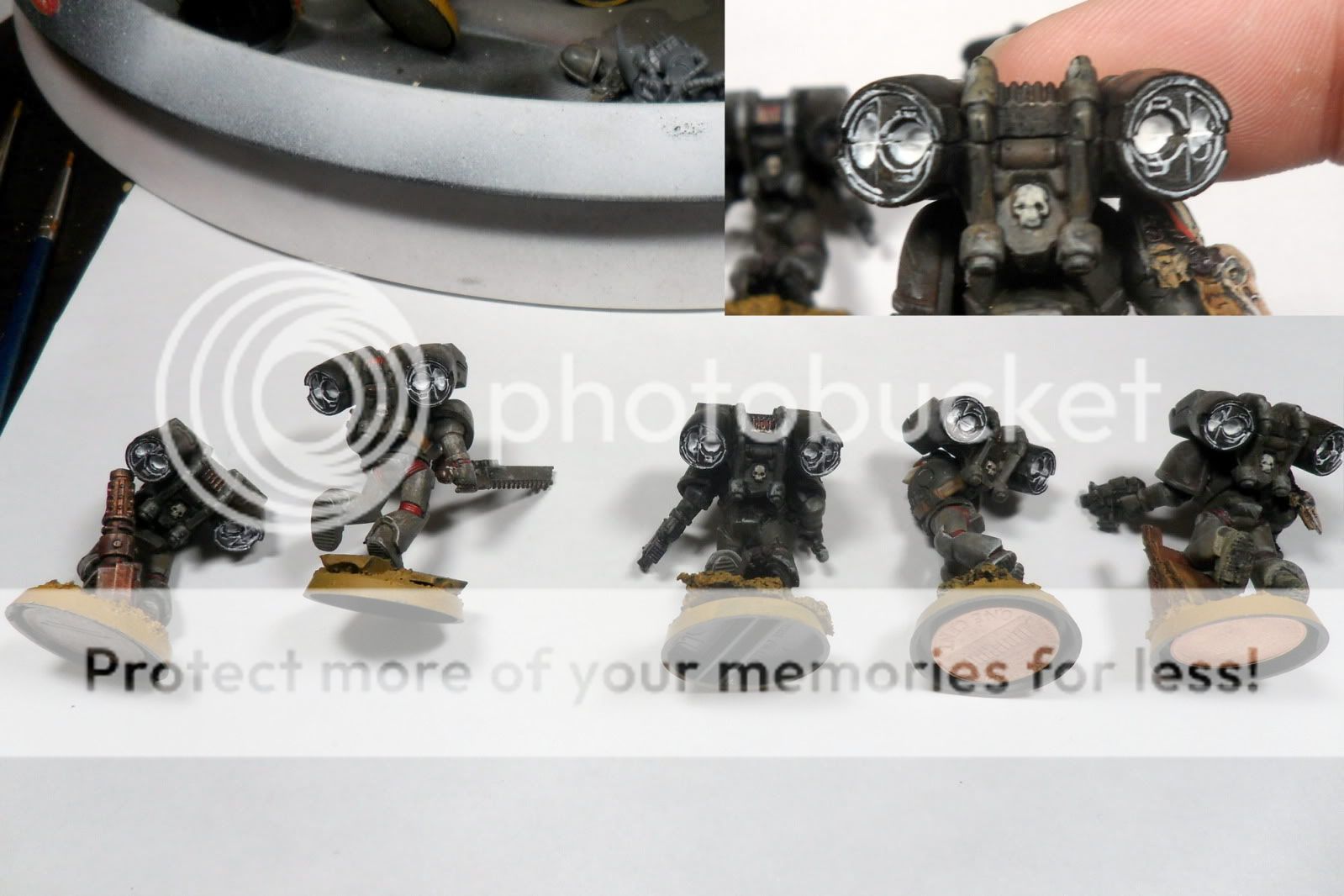
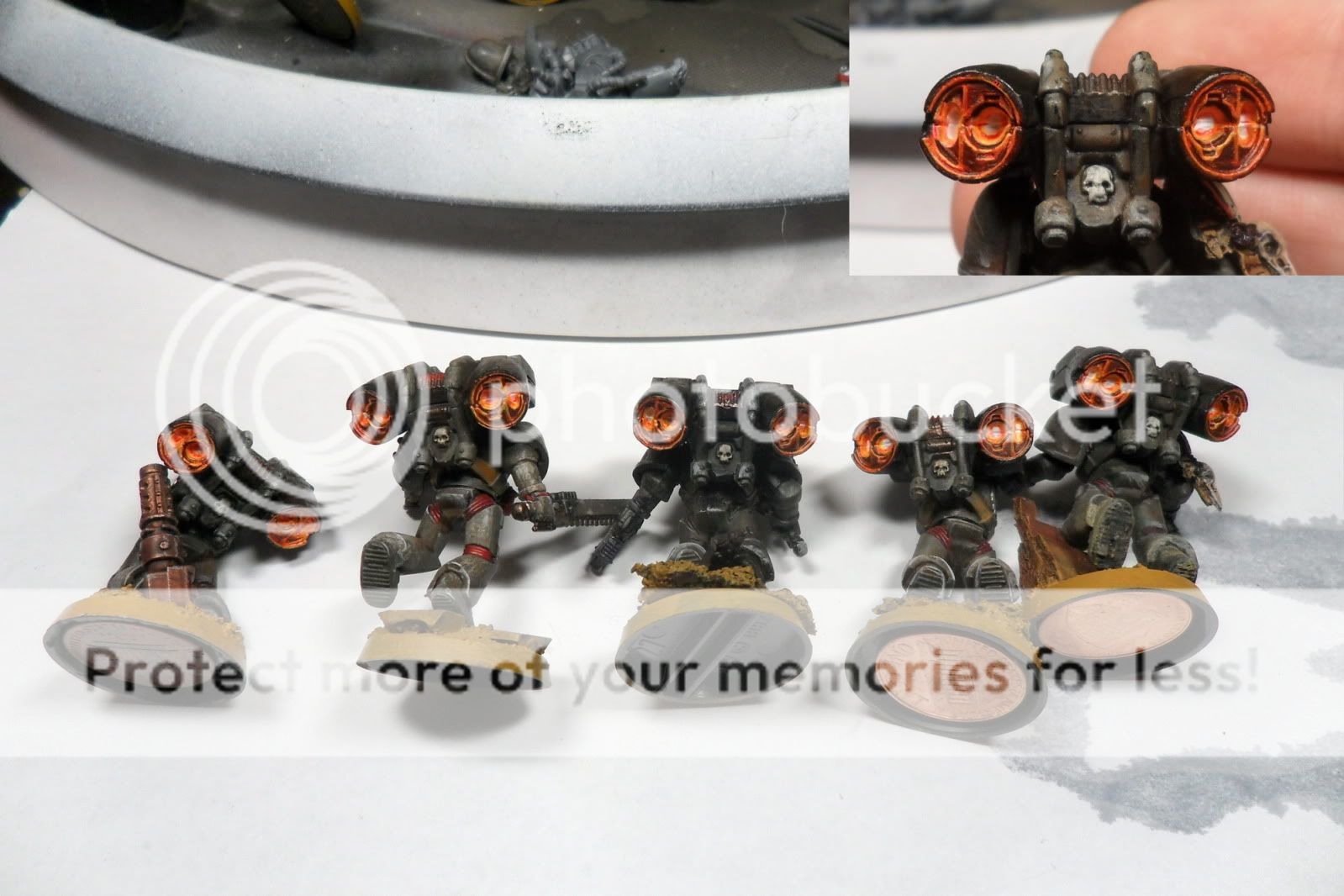
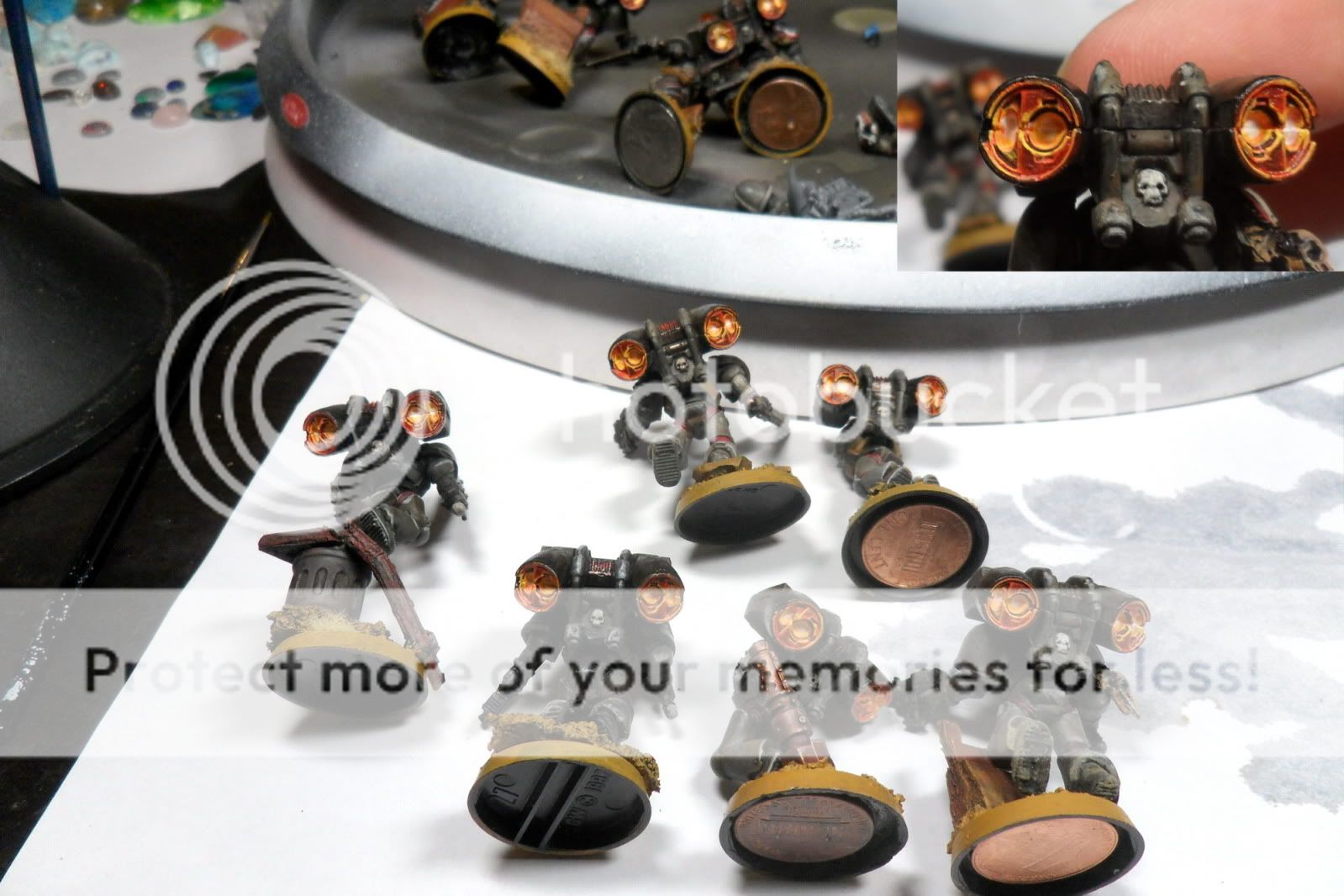
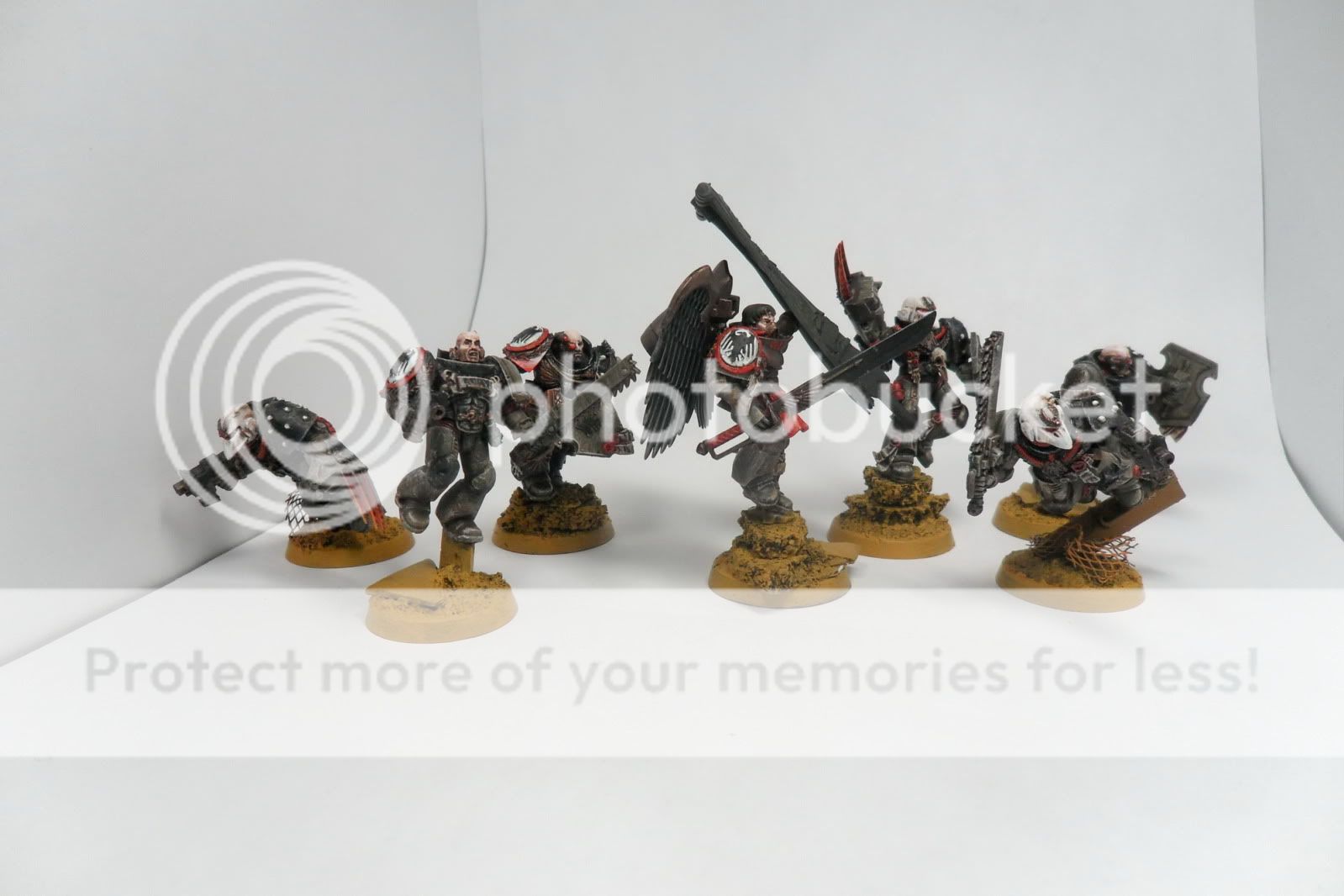
I had these photos from the day I did the jump pack tutorial, so I figured I would turn it into a quick step by step of what I do for my power weapons. Click the picture for a larger view.

- Black base coat weapon. I prefer to finish everything else, and leave the power effect for last.
- P3 Khador Red thinned down and applied by painting little droplets, think like a slow tattoo gun motion. This means you need to keep the paint watered down and not very much on your brush. I try to make larger black sections by the base and back of the blade, and get smaller as I get closer to the business end.
- 50/50 mix of P3 Red and Vallejo Sun Yellow. Same approach as step 2, but trying to get a thinner line.
- Repeated again with straight yellow. I went a little heavy handed on the left, and it will show by the end.
- Touch up the lave flakes with black, thin the lines down to make them look more like cracks. You can see again the right is looking better than the left.
- Apply a layer of P3 Red Ink to the blade side, and quickly remove it from the tip and along the front of the blade (I use my thumb to completely remove it from the very edges, and then slightly from the nearby area) to make a quick gradient. If you want more red intensity you can repeat this step a few times, applying to less and less of the blade towards the base. You may want to go back with a black wash to darken the black parts if you do this.
- When everything is dried, reapply some yellow in spots where multiple lines meet, and try to trace it down the length of the sword towards the little power node thing. Take some white and hit a few of the line intersections sparingly.
- Apply a leviathan purple to the bottom half of the blade, and wipe away the top part again for a darkened gradient at the hilt. Repeat as necessary. You can see it hadn't quite dried when I took the pictures, but the end result is a dulling down.
There you have it, pretty straight forward. Its not better than layering 20 times, but it is certainly faster. If you don't like the gradient, you can just leave it at step 5.
From these last two tutorials, I have grown into a technique of inks and washes for lighting effects that has worked fairly well for my tastes. Inks intensify and saturate, and washes to dull and shade. I have some more inks on the way, so expect a few variants on this method for my lighting effects in future projects.








.jpeg)


